
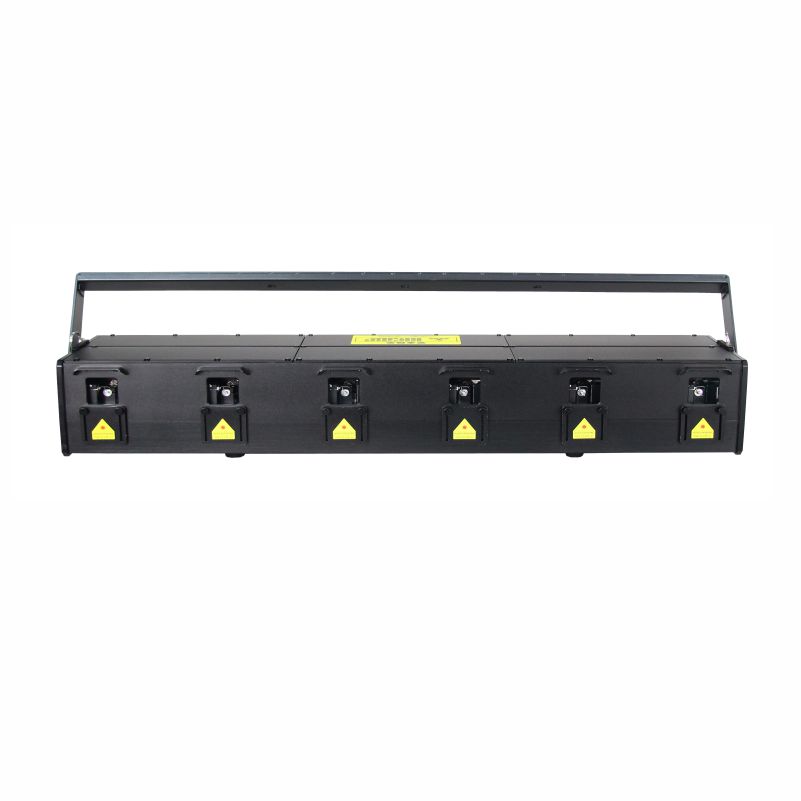
S6 60W 30W 18W RGB Outdoor Animation Scan Six Head Laser Bar
Fully customizable OEM solutions for the sixscan laser bar. Engineered with IP66-rated housing, this outdoor laser light offers 30Kpps precision.
View productBuilt for touring productions, broadcast stages, and outdoor festivals, the A17 20W 30W RGB laser pairs a 40K large-mirror scanner with analog modulation and DMX512, Art-net, and ILDA control. Choose the lower-output build for mid-size venues, or step up to the 30W RGB moving head laser configuration when a main stage needs more beam power and richer color depth.


Designed for touring productions, broadcast stages and outdoor festivals, the A17 combines high-output RGB projection with flexible show-control connections. Select the 20W or 30W version to match venue scale and projection requirements; confirm the exact configuration with the supplier before ordering.
| Available output | 20W / 30W |
|---|---|
| Scanner | 40K large-mirror scanner |
| Modulation | Analog modulation |
| Control protocols | DMX512, Art-Net and ILDA |
| Typical applications | Touring productions, broadcast stages and outdoor festivals |
Keep adjacent product options together for a faster catalog comparison.
Fully customizable OEM solutions for the sixscan laser bar. Engineered with IP66-rated housing, this outdoor laser light offers 30Kpps precision.
View product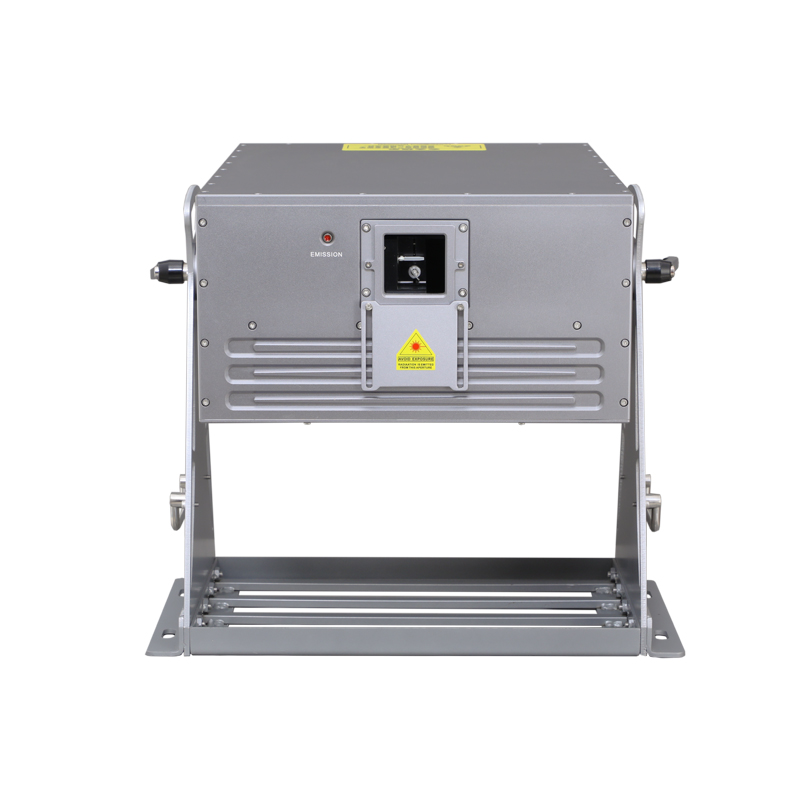
Professional-grade D1 laser features 360° rotation and IP65 protection. Trusted by laser manufacturers for reliable rgb laser light and outdoor projection.
View product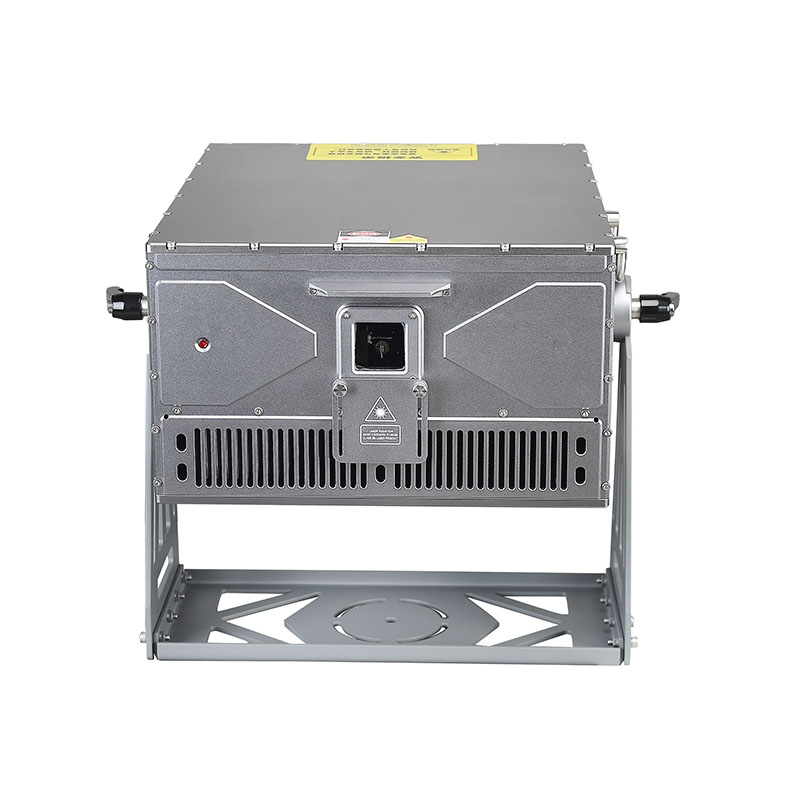
D8 series rgb laser light solutions provide IP65-rated durability for professional integrators. Sourced from expert laser manufacturers for outdoor events.
View productreview the product details, images, and specifications presented on the official product page.
use the application and use-case information published on the official product page.
confirm the specifications and options listed for the exact product variant before placing an order.
check the official product page or ask the supplier about options shown for the selected product.
use the official contact or inquiry path provided on the site.
include the product page, intended use, required quantity, and any specifications you need the supplier to review.
